QuerySimple & HelperSimple ExB Widgets
MapSimple Suite: High-Performance Search & Analysis for ArcGIS Experience Builder
Version: 1.19.0-r025.073
Compatibility: ArcGIS Experience Builder Developer Edition 1.19.0+
Author: Adam Cabrera
Try It Live
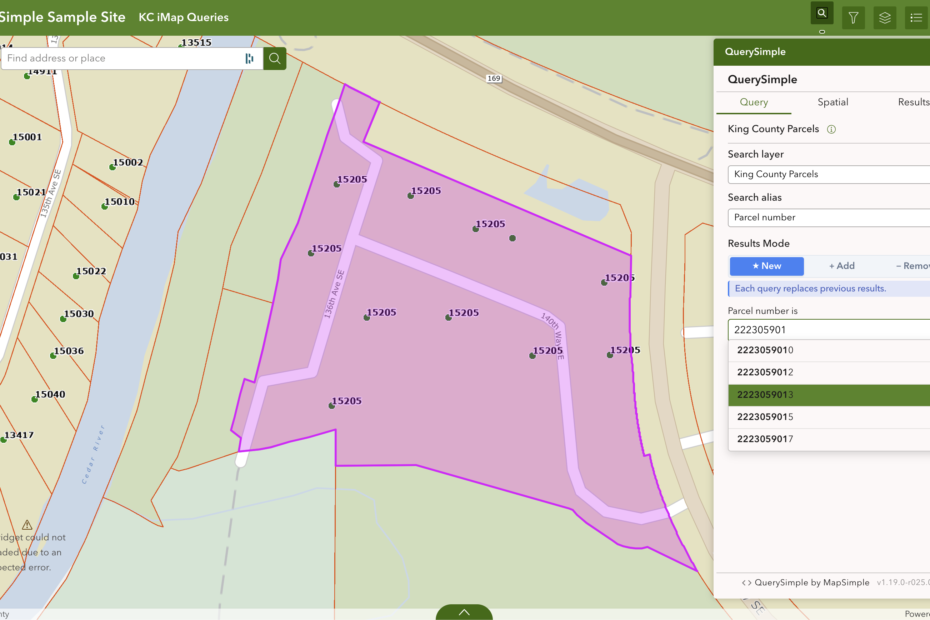
View Live Demo w/ param – Parcel passed in the hash using the pin shortid
Experience QuerySimple and HelperSimple in action with real parcel data, map highlighting, spatial search, and full search functionality.
1. HelperSimple: The Always-On Partner
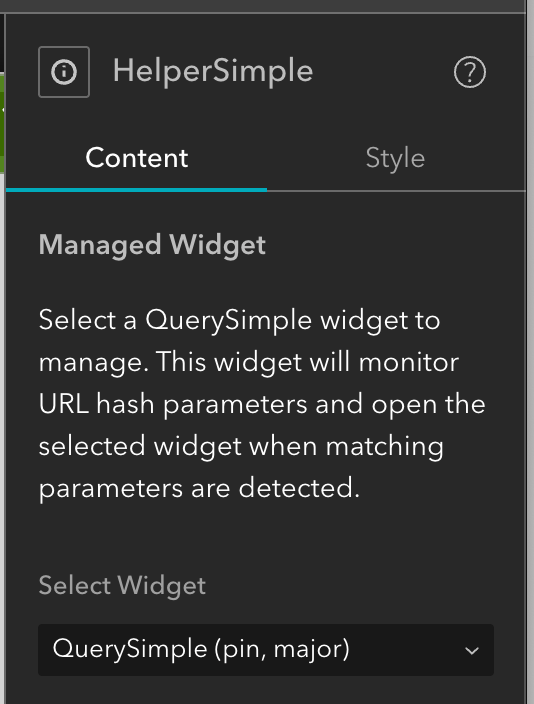
ExB widgets only exist in the DOM when they are open or active. A collapsed or hidden widget cannot respond to URL parameters. It simply is not listening. HelperSimple solves this.
HelperSimple is always mounted and always watching the URL. When a matching query string parameter is detected, it wakes up the relevant widget, opens it if necessary, and automatically fires the appropriate query. Deep links to specific records, parcels, or features work regardless of whether QuerySimple is currently open.
- Always listening: HelperSimple runs independently of QuerySimple’s open/closed state.
- Query string detection: Monitors the URL for configured parameter keys and maps them to specific queries.
- Widget activation: Opens the target widget and executes the matched query without user interaction.
- Friendly ShortIds: Maps technical database field names (e.g., PROP_KEY_NUM) to user-friendly URL parameters (e.g., pin), keeping deep links clean and shareable.
- Reactive Hash (#) handling: Supports hash fragment parameters that update without triggering a full page reload, enabling snappy deep-link navigation.
- Deep Link Discovery: An info button appears next to layer titles in QuerySimple, showing users exactly how to format a deep link for that layer.
HelperSimple’s role is designed to expand. Its always-on architecture makes it a natural home for any cross-widget coordination that needs to happen outside the normal widget lifecycle.
2. QuerySimple: User-Facing Features
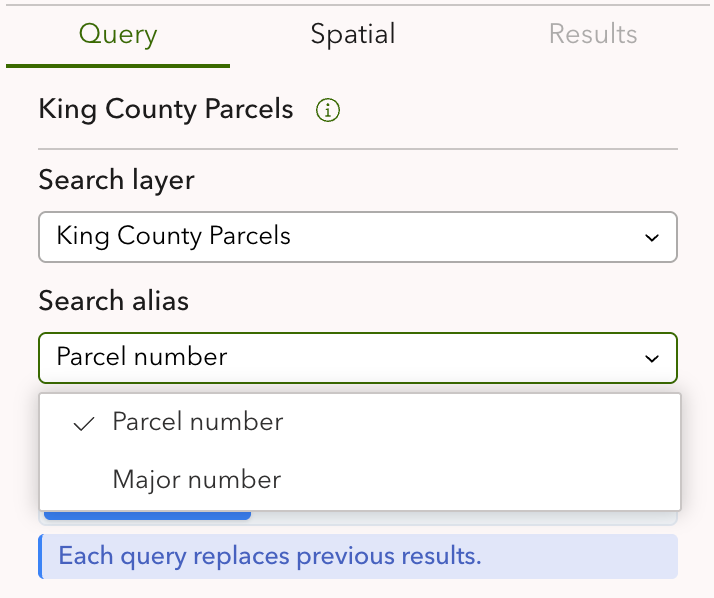
Hierarchical Query Grouping (The Two-Dropdown UI)
To eliminate “List Fatigue” in complex applications with dozens of search requirements, QuerySimple uses a Two-Dropdown Architecture:
- Logical Organization: Queries are grouped into clusters such as “Property Info,” “Zoning,” or “Environmental Data.” A single widget instance can house 30+ searches without overwhelming the user.
- Conditional UI Rendering: The secondary query dropdown renders only after a primary category is selected, preserving vertical screen real estate.
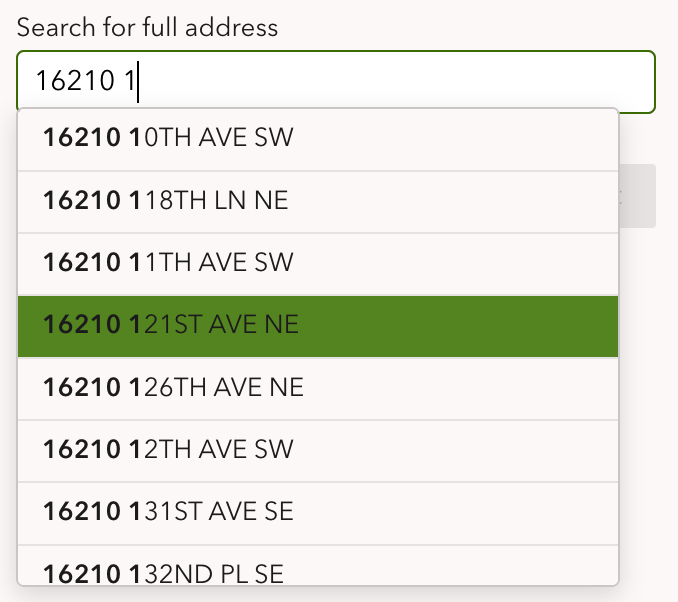
Typeahead and Suggest
As the user types, suggestions are fetched from the configured layer and presented in a dropdown. Typeahead behavior, including the minimum character threshold and suggestion field, is configured per query in the settings panel. This significantly reduces input errors on fields with constrained value sets such as city names, parcel numbers, or status codes.
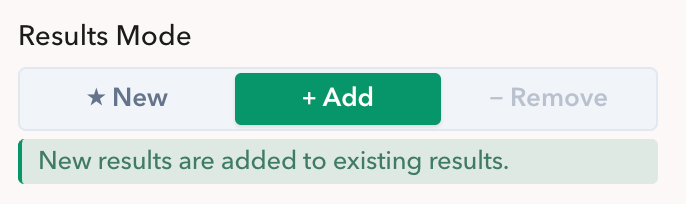
Results Mode Control
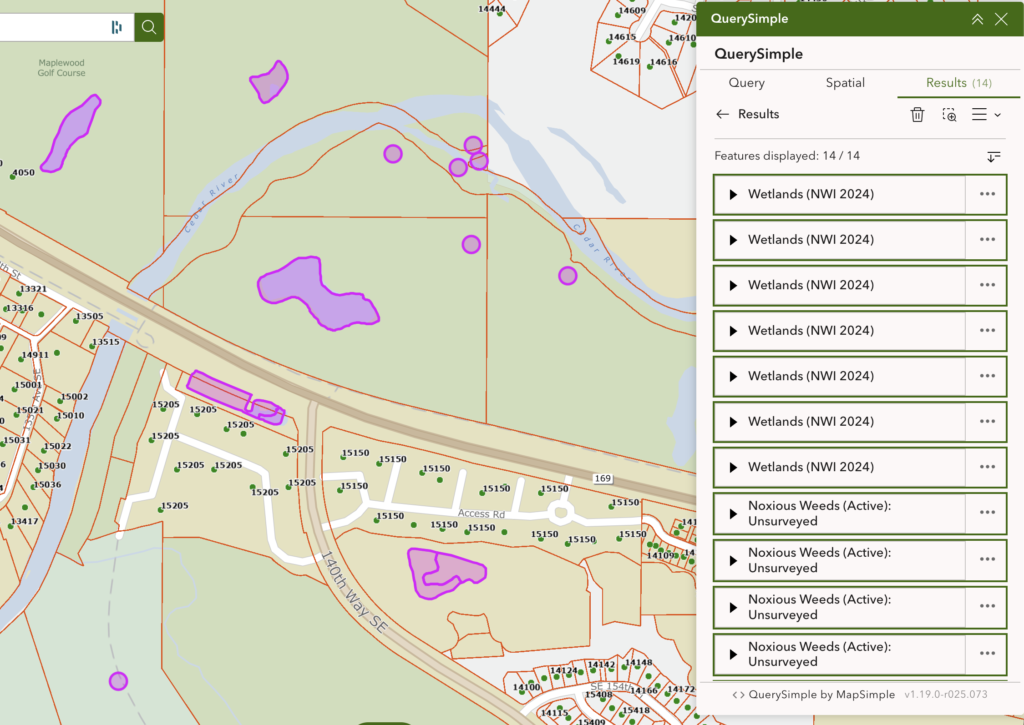
New, Add, and Remove modes allow users to build and refine a selection set across multiple queries and spatial operations without losing context. Available on both the Query tab and the Spatial tab.
Dynamic Zoom Control
Auto-zoom behavior is configurable by the widget author and exposed as a user-overridable checkbox at runtime. Users performing rapid-fire data entry can suppress map movement so the view does not jump with every result.
High-Volume Result Loading
MapSimple delivers the entire results list at once, rather than relying on lazy loading or Load More buttons. SQL optimizations and memory stripping allow the query engine to handle large payloads without the traditional overhead, enabling a spreadsheet-like browsing experience.
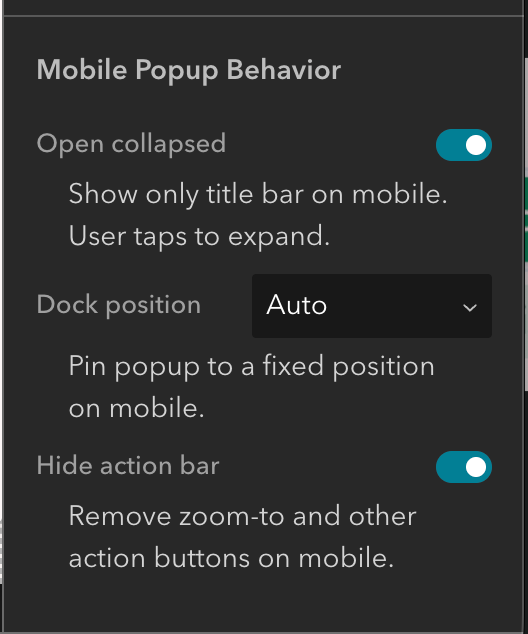
Mobile Experience
QuerySimple includes per-breakpoint configuration overrides for mobile. Authors can define separate display and behavior settings for desktop and mobile without maintaining two separate widget instances. This is a significant reduction in configuration overhead for applications that need to serve both audiences.
3. Spatial Query Tab
The Spatial tab adds a full spatial query engine alongside the standard attribute query experience. Users can query layers by proximity, containment, intersection, and other spatial relationships without leaving the widget.
Two Modes: Operations and Draw
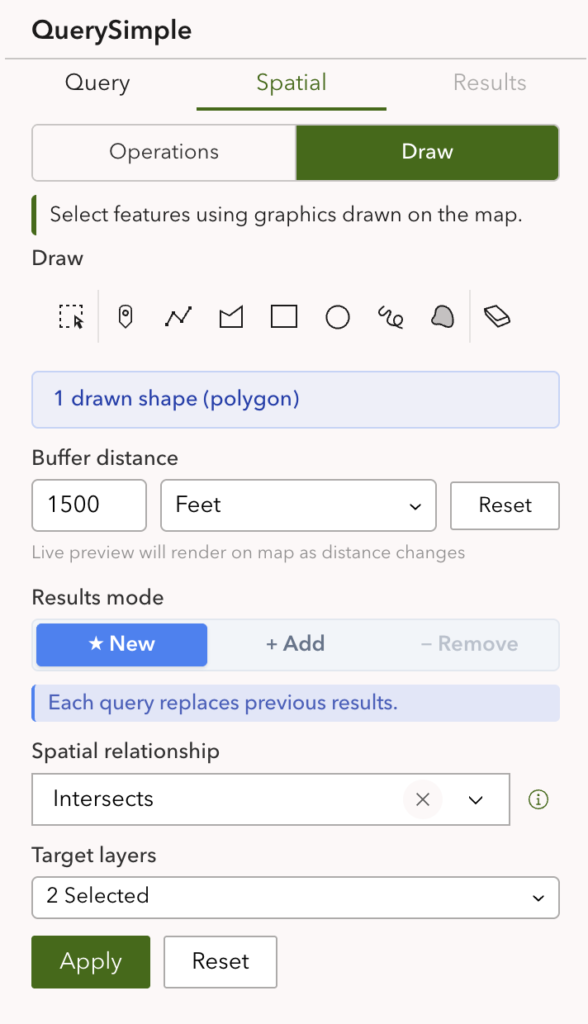
- Operations mode: Users define a source geometry from accumulated results, apply an optional geodesic buffer, select a spatial relationship, and execute against any configured target layer. The buffer renders in real time on the map as the distance value changes.
- Draw mode: Users sketch input geometry directly on the map using point, polyline, polygon, rectangle, circle, freehand line, or freehand polygon tools. Multiple shapes can be drawn and accumulated. The buffer preview updates live as shapes are added or edited.
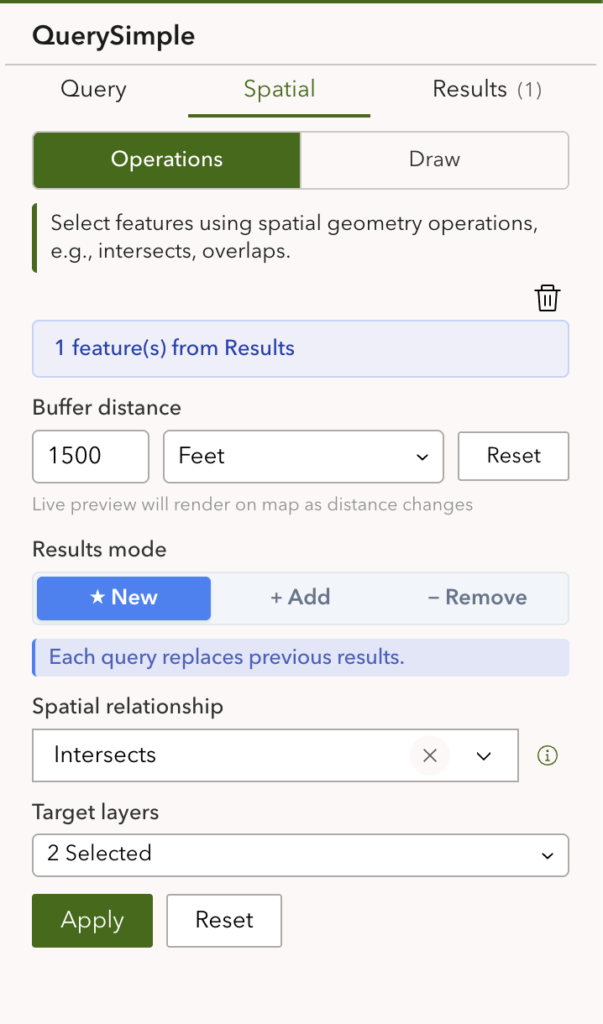
Spatial Relationships
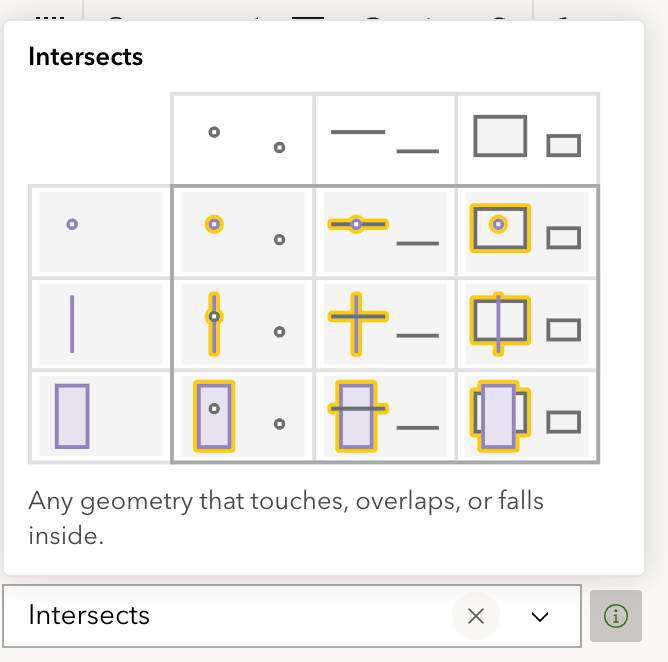
Seven spatial relationships are supported with context-aware warnings that surface when a combination of geometry type, buffer, and relationship would produce unexpected results:
Within, Contains, Intersects, Overlaps, Crosses, Touches, Envelope Intersects
Warnings fire for common traps such as Within + point/line without buffer (no area), Touches + buffer (overlap not touch), and Crosses + point (cannot cross). A full reference document on spatial relationships is available in the repository (coming soon).
4. Configuration
Duplicate Button (80% Less Setup Time)
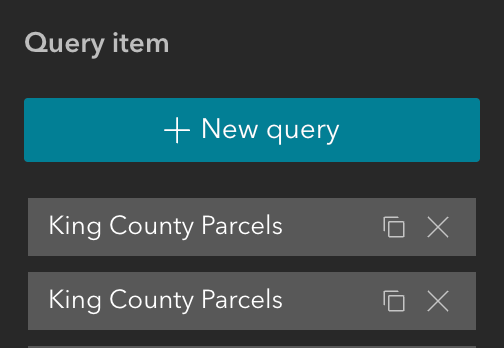
Configure one query completely, including filters, display formats, and spatial tools, and click the Duplicate button. Clones are created with all settings preserved, including hash parameters, which are auto-suffixed to prevent collisions. This significantly reduces setup time when migrating large Web AppBuilder applications with many similar queries.
Result Layer Modes
Two modes control how results are rendered on the map:
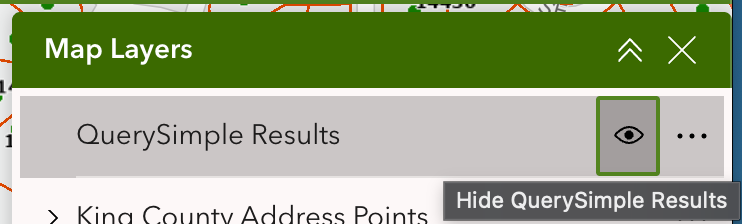
- Widget-managed graphics layer: The highlight layer is tied to the widget lifecycle. It is visible when the widget is open and removed when the widget closes. It does not appear in the layer list or legend. Appropriate for exploratory search where results are temporary.
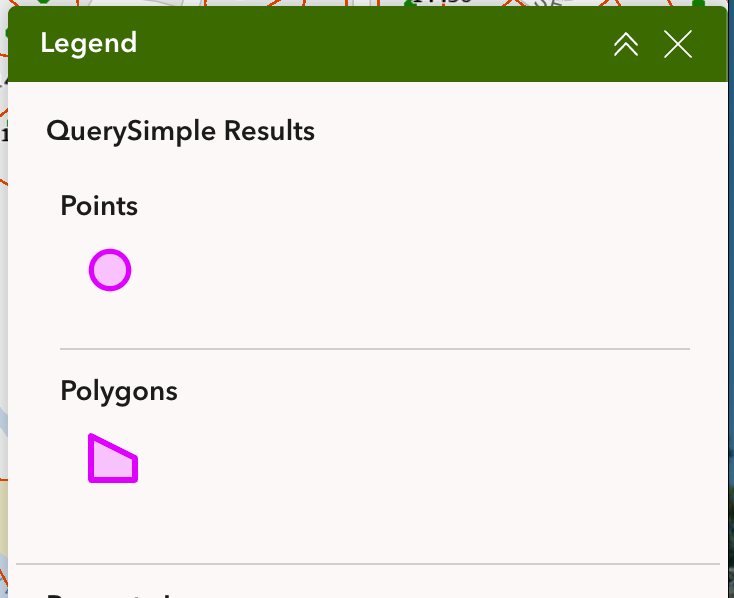
- Persistent layer list layer: Results are added as a proper layer that appears in the layer list and legend, persists independently of the widget, and can be toggled on and off by the user. Appropriate when users need results visible while navigating or working with other parts of the application.
Both modes are configurable per query.
Selection Styling
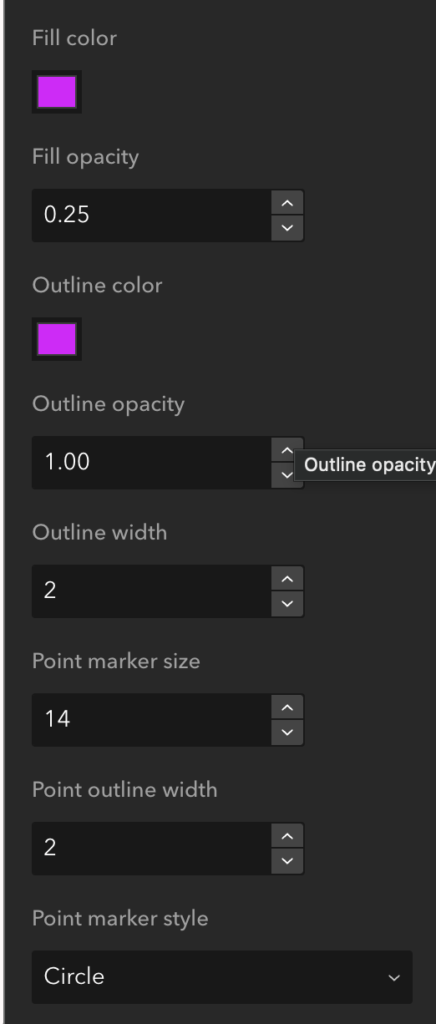
Result highlight appearance is fully configurable per query. Color, opacity, outline color, outline width, and marker style are all controllable through the settings panel. The same configuration framework drives query result highlights and spatial draw-and-buffer previews, providing a consistent visual language across the widget.
Spatial Configuration
Draw symbol color and buffer preview color are independently configurable. A spatial result default template can be designated per layer, which ties spatial query results to an existing query’s rendering configuration so the template resolution pipeline works automatically.
Mobile Overrides
Per-breakpoint configuration overrides allow authors to define separate display and behavior settings for desktop, tablet, and mobile without maintaining multiple widget instances.
5. Performance Architecture
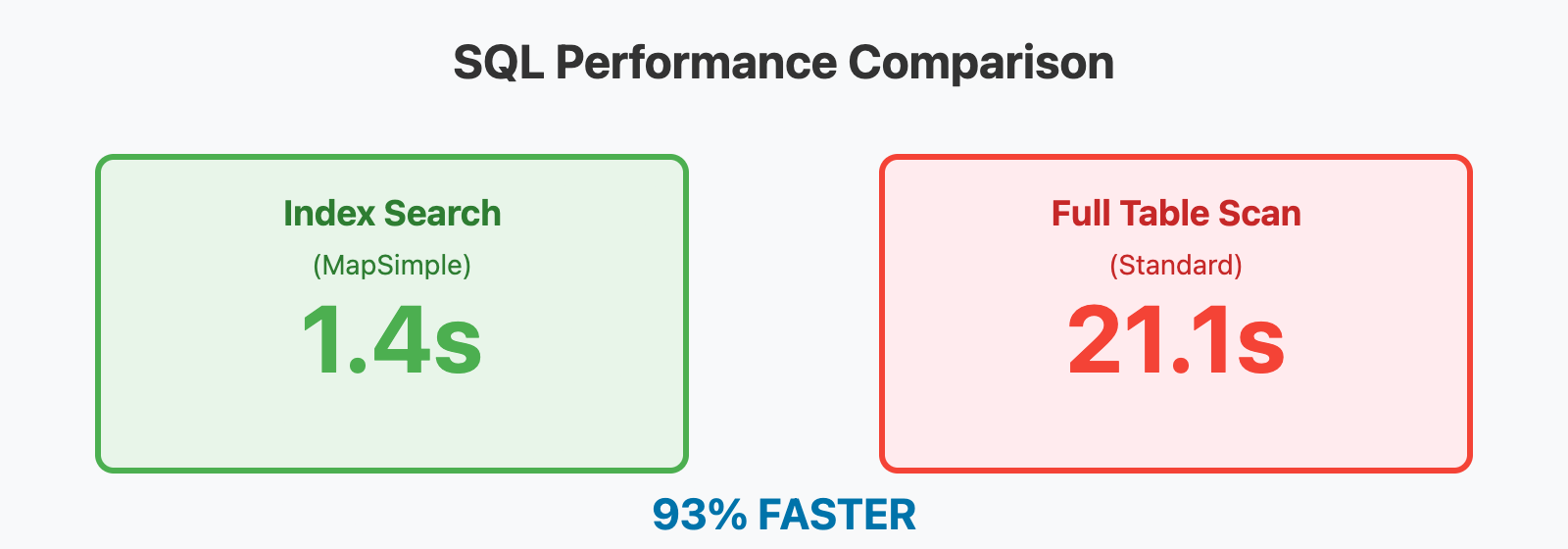
Universal SQL Optimizer (93.4% Latency Reduction)
Standard implementations use LOWER(FIELD) for case-insensitivity, which forces a full table scan by preventing the database from using its index on the attribute. MapSimple unwraps the query and performs client-side normalization to uppercase instead.
- The Result: On a layer with 2M+ records, search times dropped from 21.1s to 1.4s.
The Hook and Shell Pattern
- The Shell (UI Orchestration): widget.tsx acts as a thin shell for the interface, responsible only for UI coordination.
- The Hooks (Functional Managers): Logic is housed in specialized manager classes, including UrlConsumptionManager, AccumulatedRecordsManager, GraphicsLayerManager, SelectionRestorationManager, and MapViewManager.
The 93% Memory Floor
The zoom logic surgically extracts only the extent bounds and immediately discards heavy geometry objects. Memory retention per query dropped from 11.21 MB to 1.76 MB.
6. Developer Diagnostics: The Glass Box Suite
The suite features production-safe logging controlled via the URL. Append ?debug=all or specific flags such as HASH, TASK, RESULTS-MODE, and SPATIAL to your URL to see real-time telemetry in the console.
Resources